
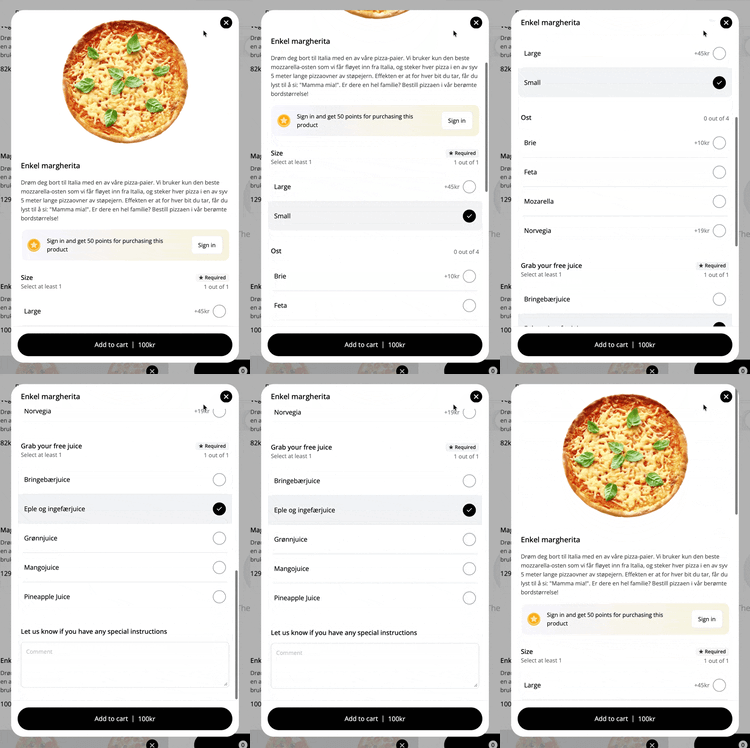
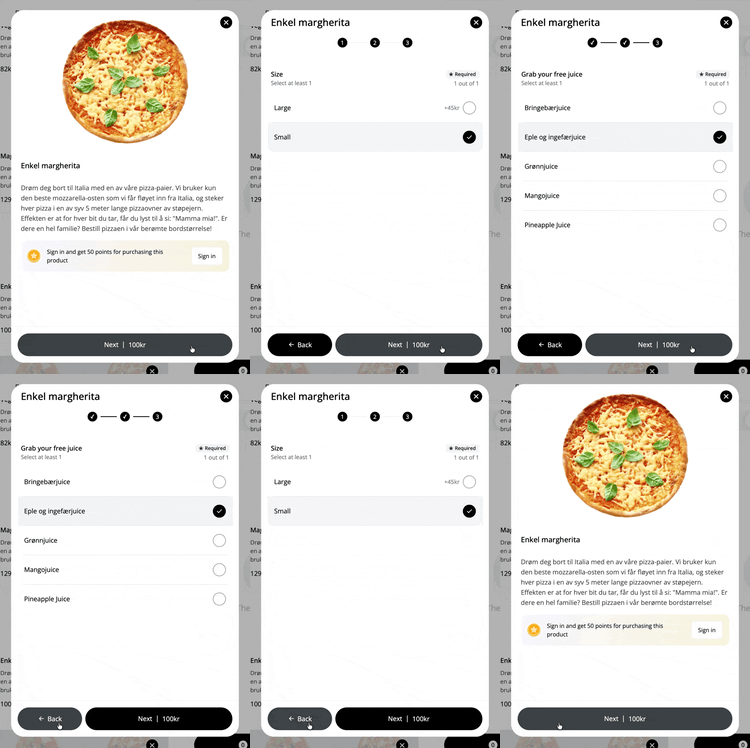
For products that have many add-ons, we use step-based add-ons to avoid displaying all add-ons at once.
In the left example, you see a product without step-based add-ons. Here, all add-ons are shown on the same page, and the customer has to scroll.
In the right example, we use step-based add-ons to make the customization more clear and organized.
▶ Video guide
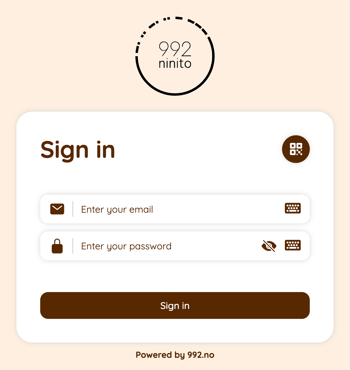
1. Log in to nS3.no with your master user account
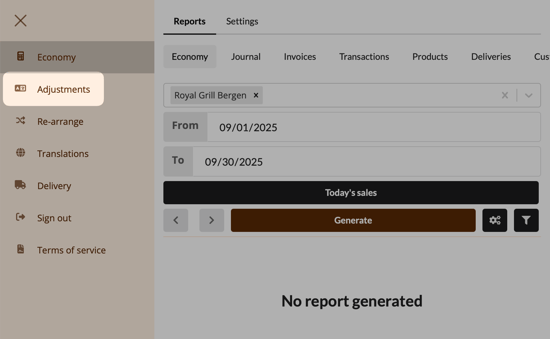
2. Trykk på "Adjustments"
3. Select a product from the list
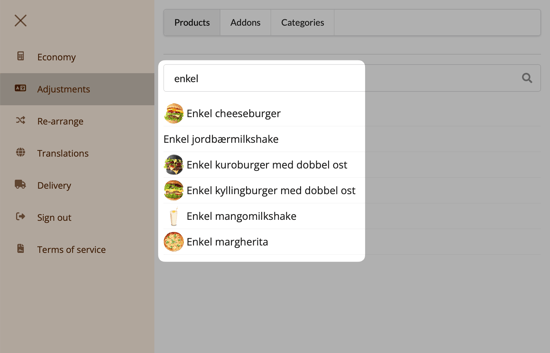
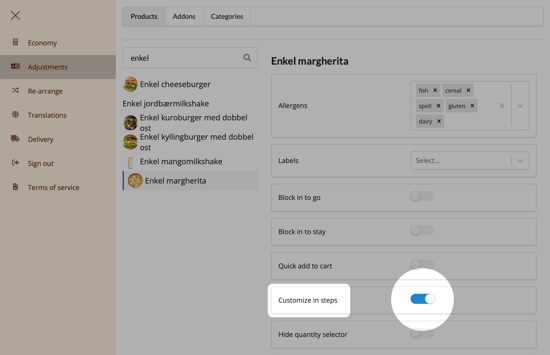
4. Activate customization in steps
Enable the toggle switch labeled Customize in steps.
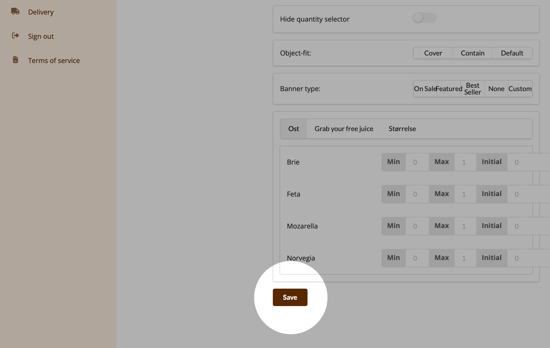
5. Click "Save" at the bottom of the page
Questions? Contact us via
support@992.no