
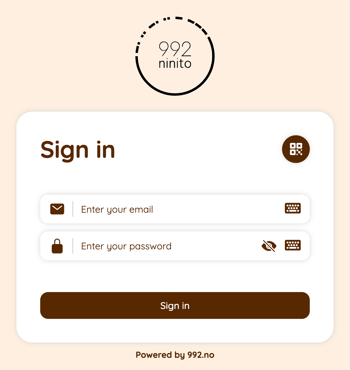
1. Log in to nS3.no with your KDS user account
If necessary, select a KDS-profile from the list.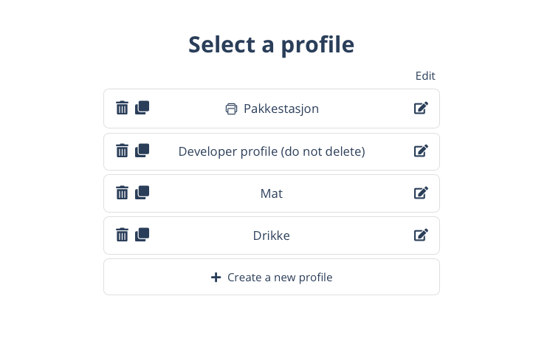
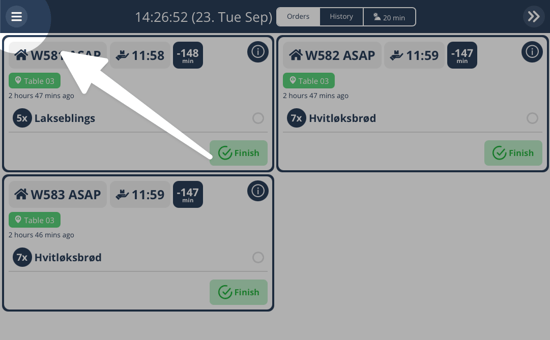
2. Click on "☰" in the top left corner
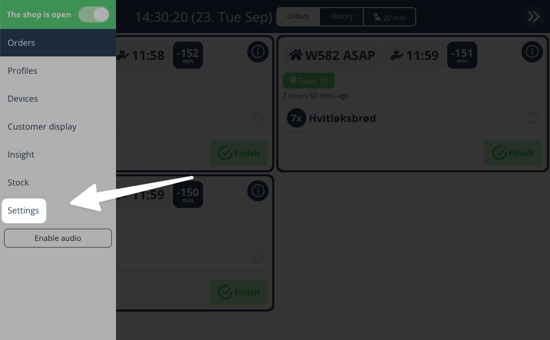
3. Click on "Settings"
4. Click on "Change opening hours"
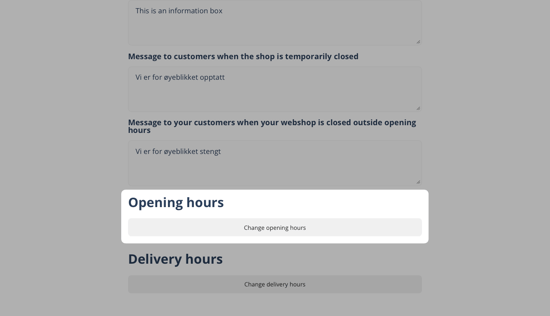
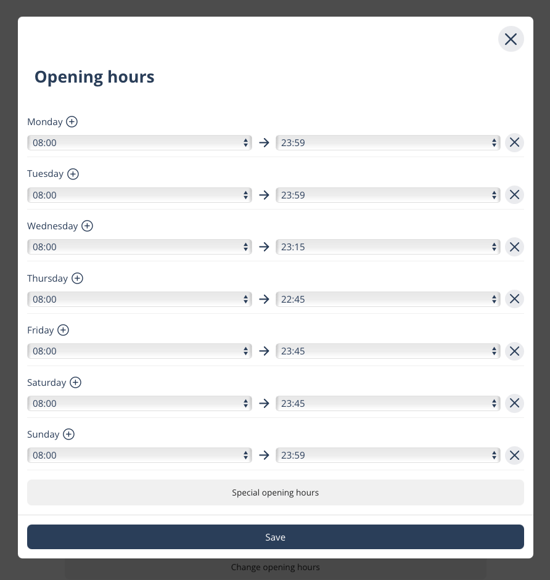
5. Choose your opening hours
Here you set the regular opening hours for the location.
If you are closed on a fixed day of the week, remove the opening hours for that day using the X icon on the right side.
You can click on Special opening hours to set temporary opening hours for a specific date.
When you are finished, click Save. The opening hours are updated online immediately.
▶ Video guide
Questions? Contact us via
support@992.no