
Kitchen language is how product names are displayed on the kitchen screen and order tickets. By changing this, you can make the kitchen screen show shorter names like "Pizza 01", while customers still se "Pizza no. 1 – Margherita".
This ensures that the kitchen screen does not display too much text, while the menu remains clear and understandable for customers.
▶ Video guide
1. Log in to nS3.no with your master user account
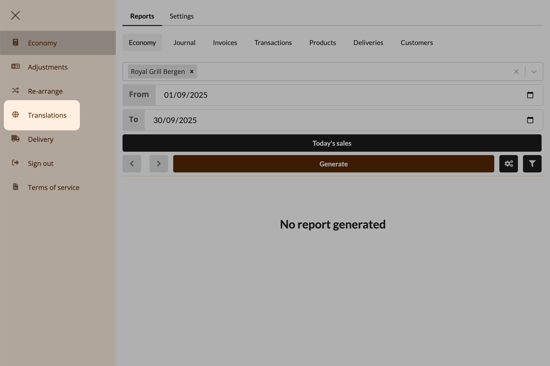
2. Click on "Translations"
3. Change kitchen language and translations
Here is a list of all available products. At the top of the page, you can choose between Products, Add-ons, and Categories. You can scroll through the list manually or use the search field in the top right corner.
- In the table, use the top field for the name, and the bottom field for the description.
- In the column labeled Kitchen language, enter the names that should be displayed on the kitchen screens and order slips.
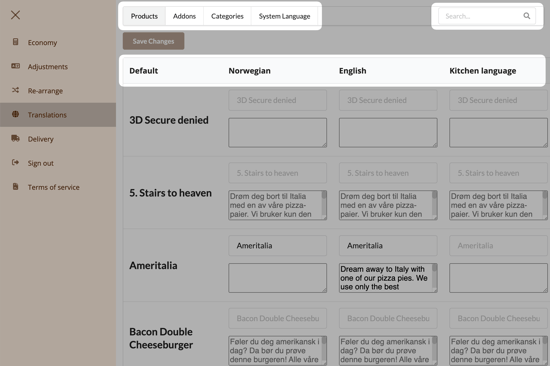
These are the translations used when the customer switches language on the kiosk or online store. We recommend adding translations for both Norwegian and English.
Questions? Contact us via
support@992.no