
In case you want a product to be unavailable in certain sales channels, this can be managed through Extenda GO.
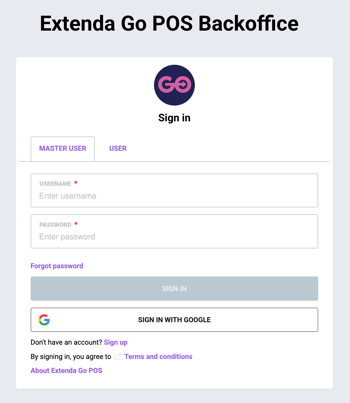
1. Log in to ExtendaGO.no with your master user account
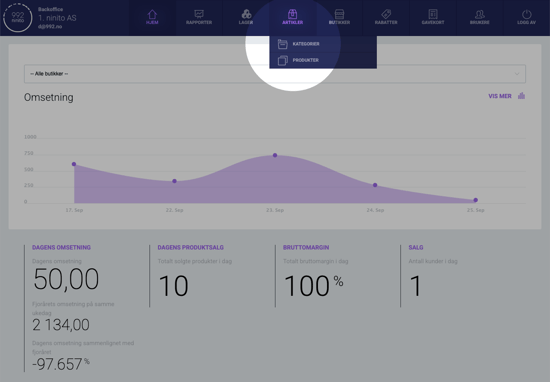
2. Mouse over "Inventory" and click on "Products"
3. Select a product
Select the product you want to edit from the list on the left. Use the search field at the top to filter the products.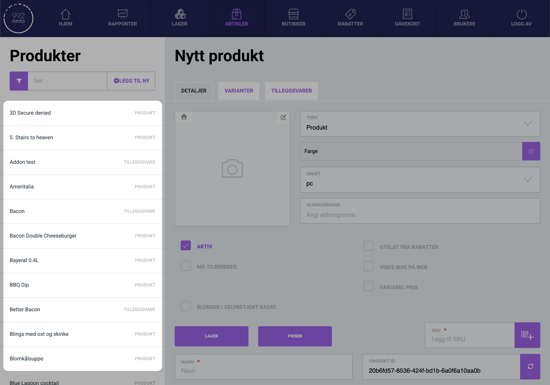
4. Hide the product
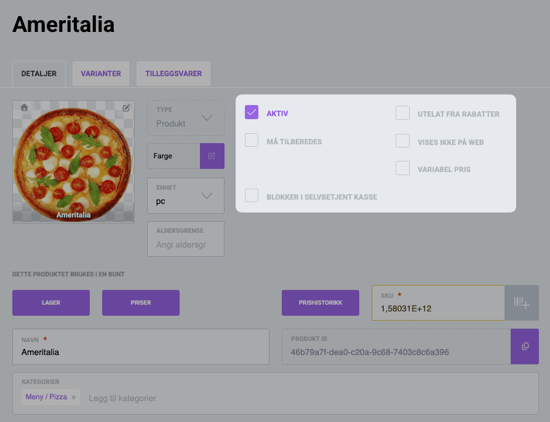
On the product page, we have several options for hiding the product:
- Hide from web hides the product from QR and online ordering.
- Block in self-checkout hides the product in self-service kiosks.
- Active determines whether the product is visible on any platforms. If you uncheck Active, the product is hidden everywhere but remains available for reactivation.
5. Save
When you are finished, click Update product at the bottom of the page to save your changes.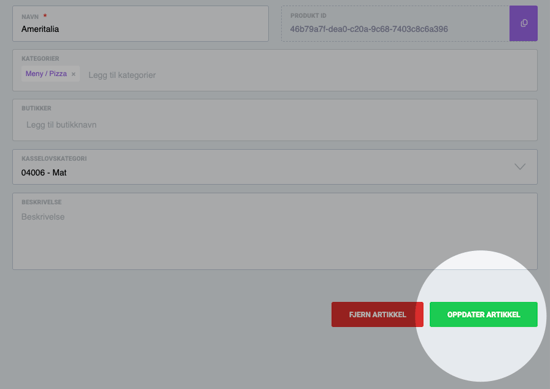
You must always remember to click the green button to save every time you create something new or make changes. If you switch to another product without saving, you will lose your changes.
▶ Video guide
Questions? Contact us via
support@992.no