
To edit the order of products, categories and add-ons, we must reorganize them at nS3.no.
▶ Video guide
1. Log in to nS3.no with your master user account
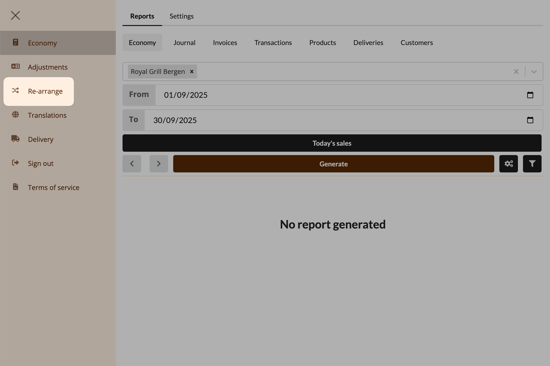
2. Click on "Re-arrange"
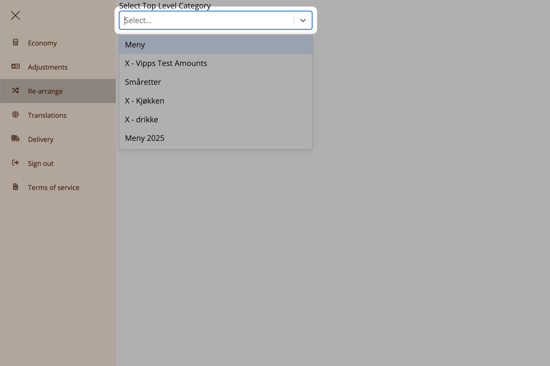
3. In the field labeled "Select Top Level Category", choose "Meny"
4. Reorganize the menu
Here you can see all the categories, products, add-ons, and variants you have in your menu.
- Use the arrows on the right side to expand categories and products.
- Use the grab icon on the left to move items into the desired order.
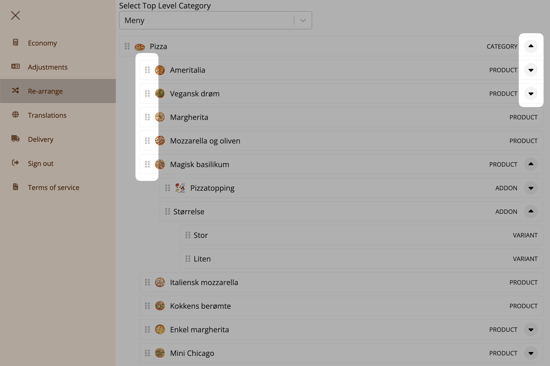
Here you can change the order of products within a category, but you cannot move products to another category. That must be done on ExtendaGO.no.
Questions? Contact us via
support@992.no