
▶ Video guide
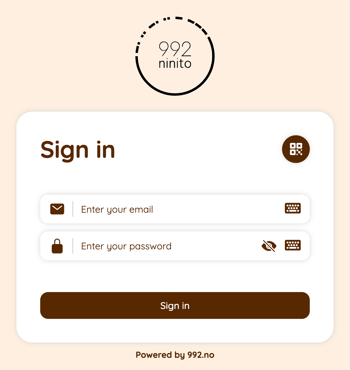
1. Log in to nS3.no with your master user account
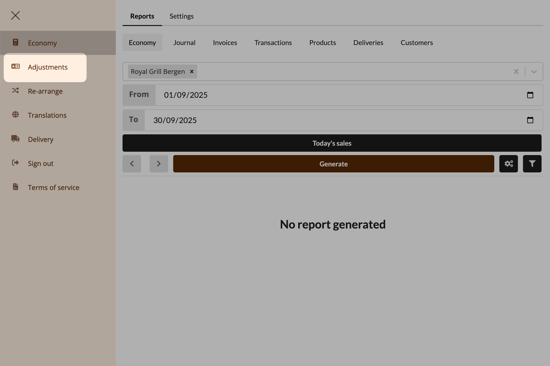
2. Click on "Adjustments"
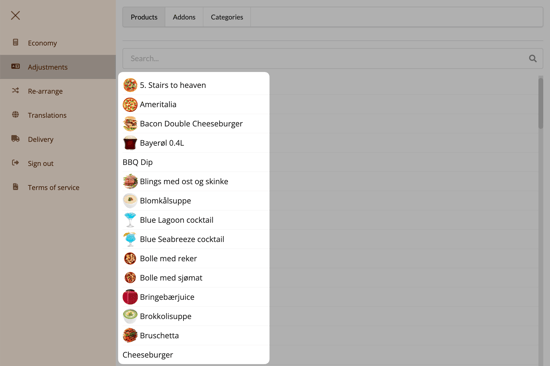
3. Velg produkt
Select the product you want to add allergens for from the list.
Use the tabs at the top to switch between products and add-ons.
4. Add allergens
In the field labeled Allergens, you can add the allergens that apply to the product. When you start typing, a drop-down menu with available allergens will appear.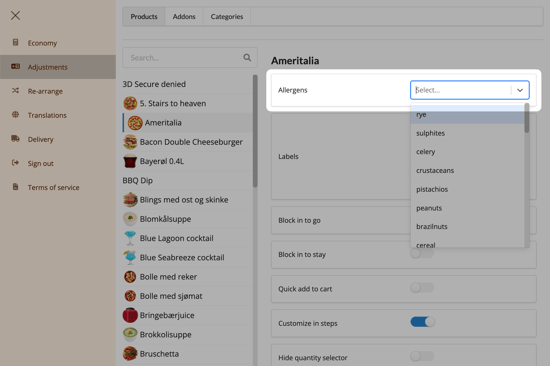
When adding allergens to an add-on item, we must add them to the variant, not to the add-on itself. First, select the add-on from the list on the left, navigate to the correct variant, and add the applicable allergens.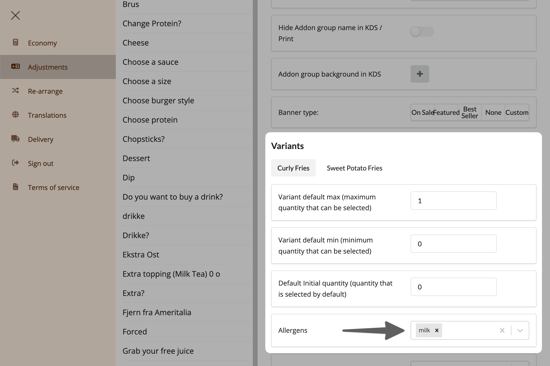
The list of allergens is recommended by the Norwegian Food Safety Authority (Mattilsynet). If you cannot find the relevant allergen in the list, it is important that you contact us at support@992.no.
5. Save
When you are finished editing allergens, you must click the Save button at the bottom of the page to save your changes. This must be done for each product before moving on to the next product in the list.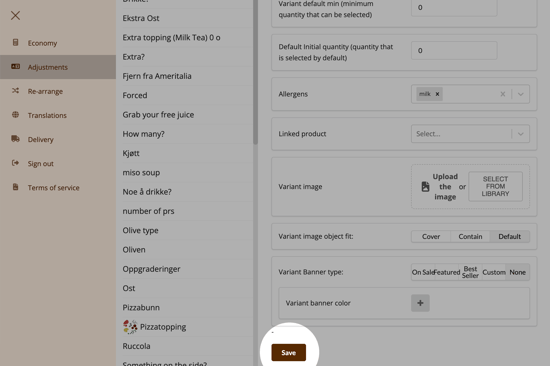
Questions? Contact us via
support@992.no